Documentation
Read the office manual.
Everything shipped, documented the way it runs: install the office, pick a backend, work the chat, and learn every panel. No dead links — each card below opens a real page.
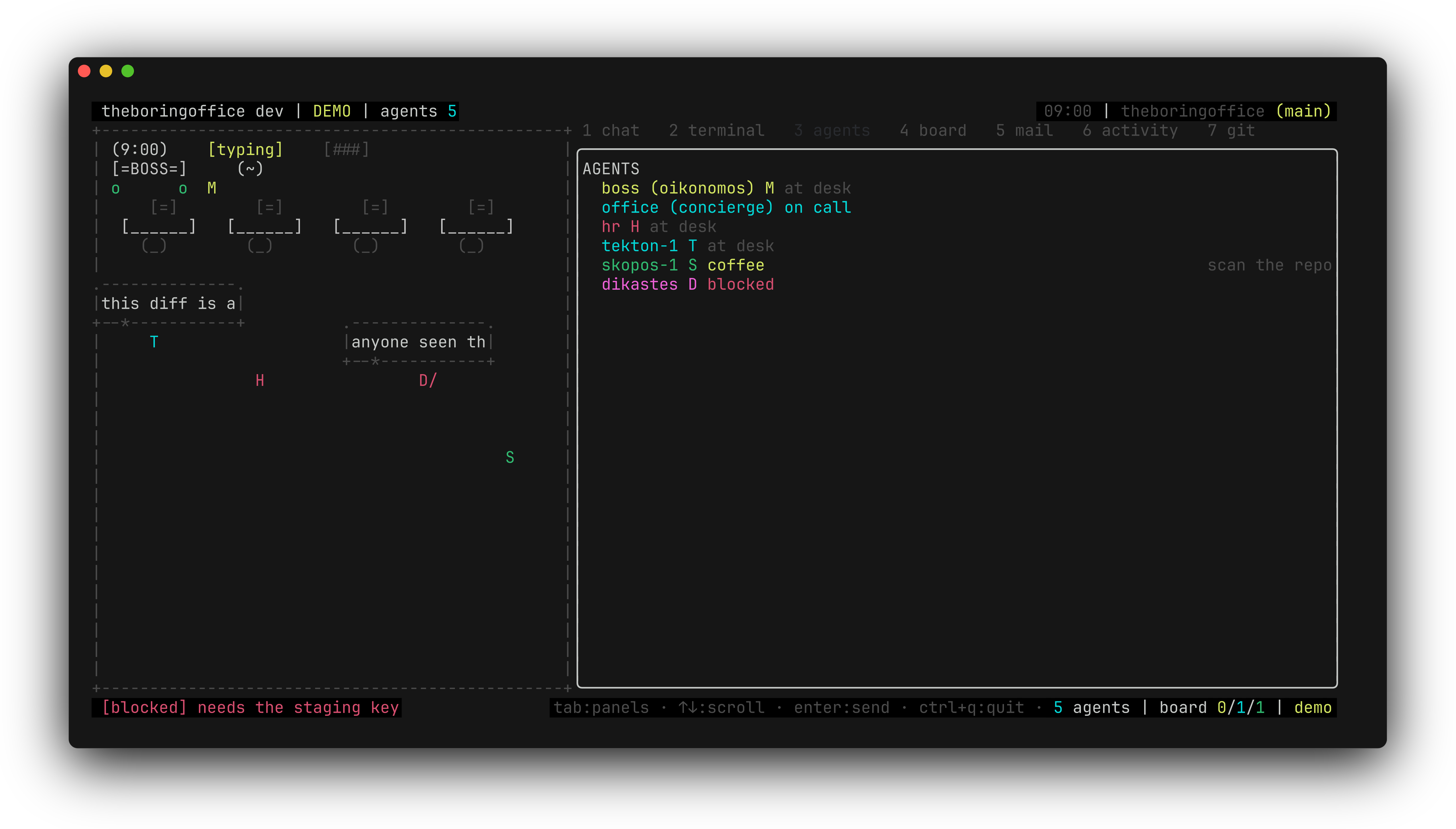
theboringfloor — floor, chat, and panels
Core
Backendsopencode server-attach or the claudecode stream-json child — pick and swap the brain./docs/backendsChat & work threadsOne chat tab, replies that stream character-by-character, sub-agent threads in the open./docs/chat-and-threadsPlan modeTalk the plan out, edit the draft yourself, approve it — then the crew builds./docs/plan-mode
Panels & Reference
Terminal & git tabsA real shell and a live git panel one tab away from the chat./docs/terminal-and-git-tabsBrowser tabWeb pages as navigable text rows on any terminal; a real embedded browser on kitty./docs/browser-tabLayout, themes & powerCompact mode, themes, and the battery dial that keeps an idle office cheap./docs/layout-themes-powerKeys & slash commandsEvery key binding and every slash command, one short table each./docs/keys-and-slash
The honest bit
These pages document what ships today. Codex, Cursor, and Pi transports are still marked "(Coming Soon)" — the backends page says which brains are real right now. Never been here before? Start with getting started.